





Description
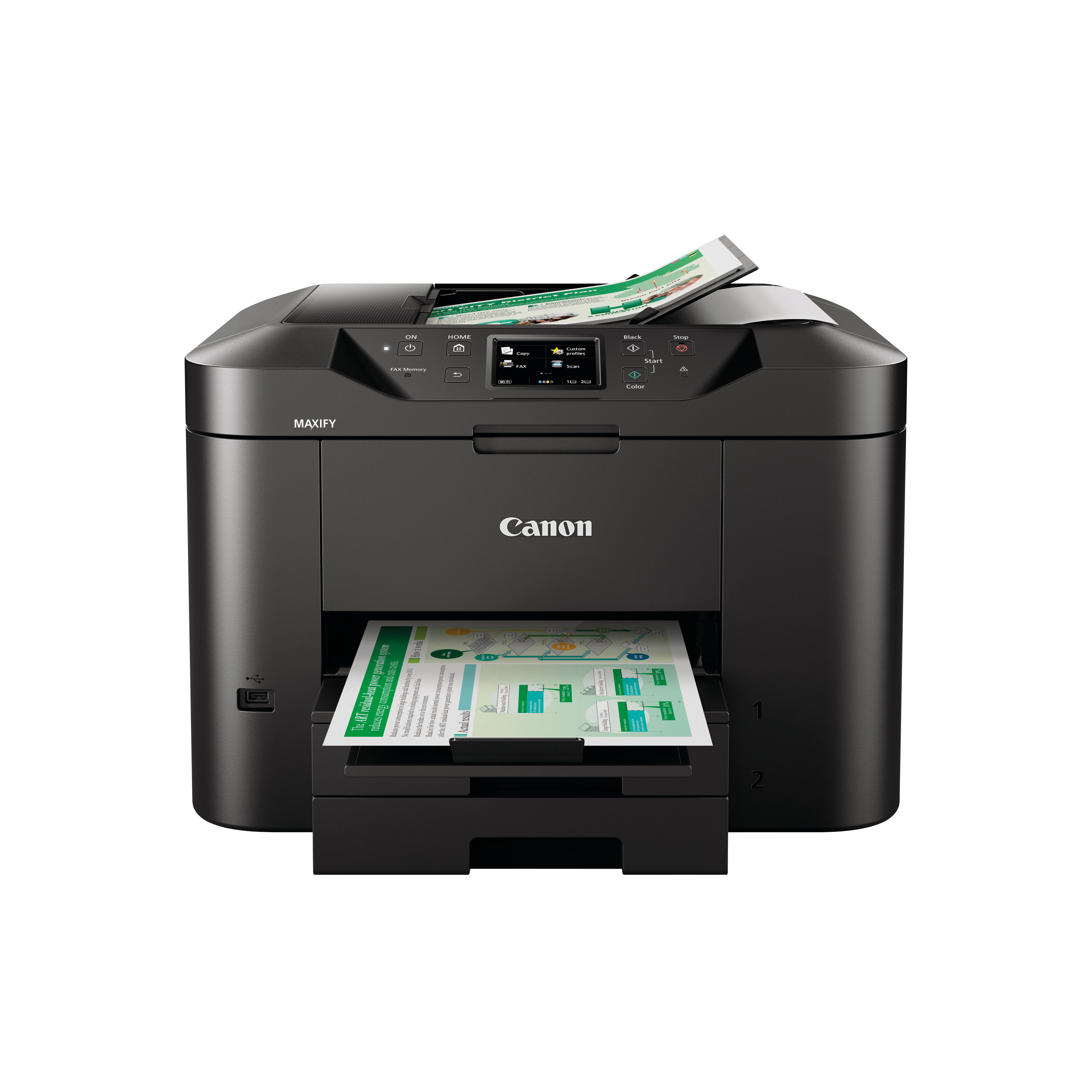
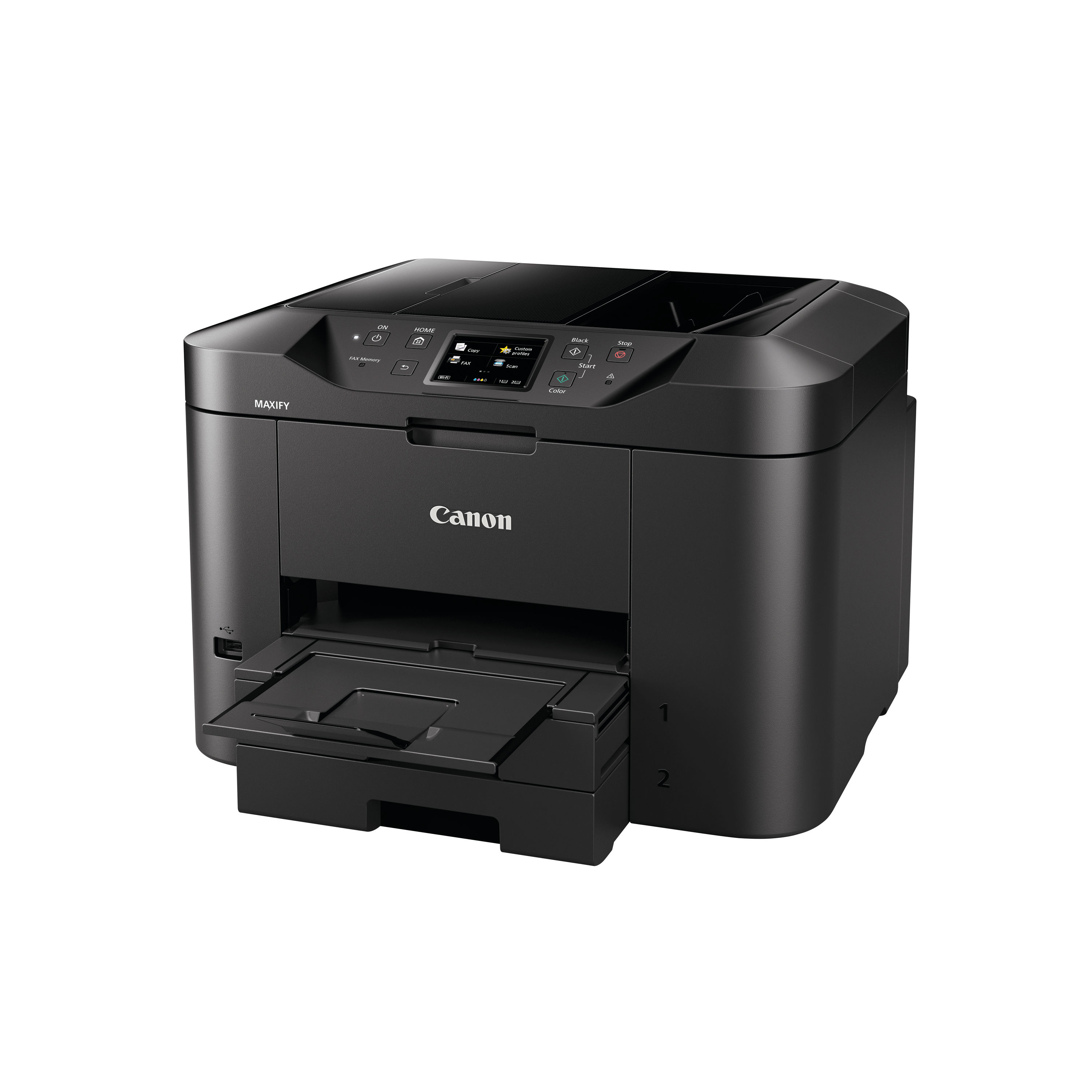
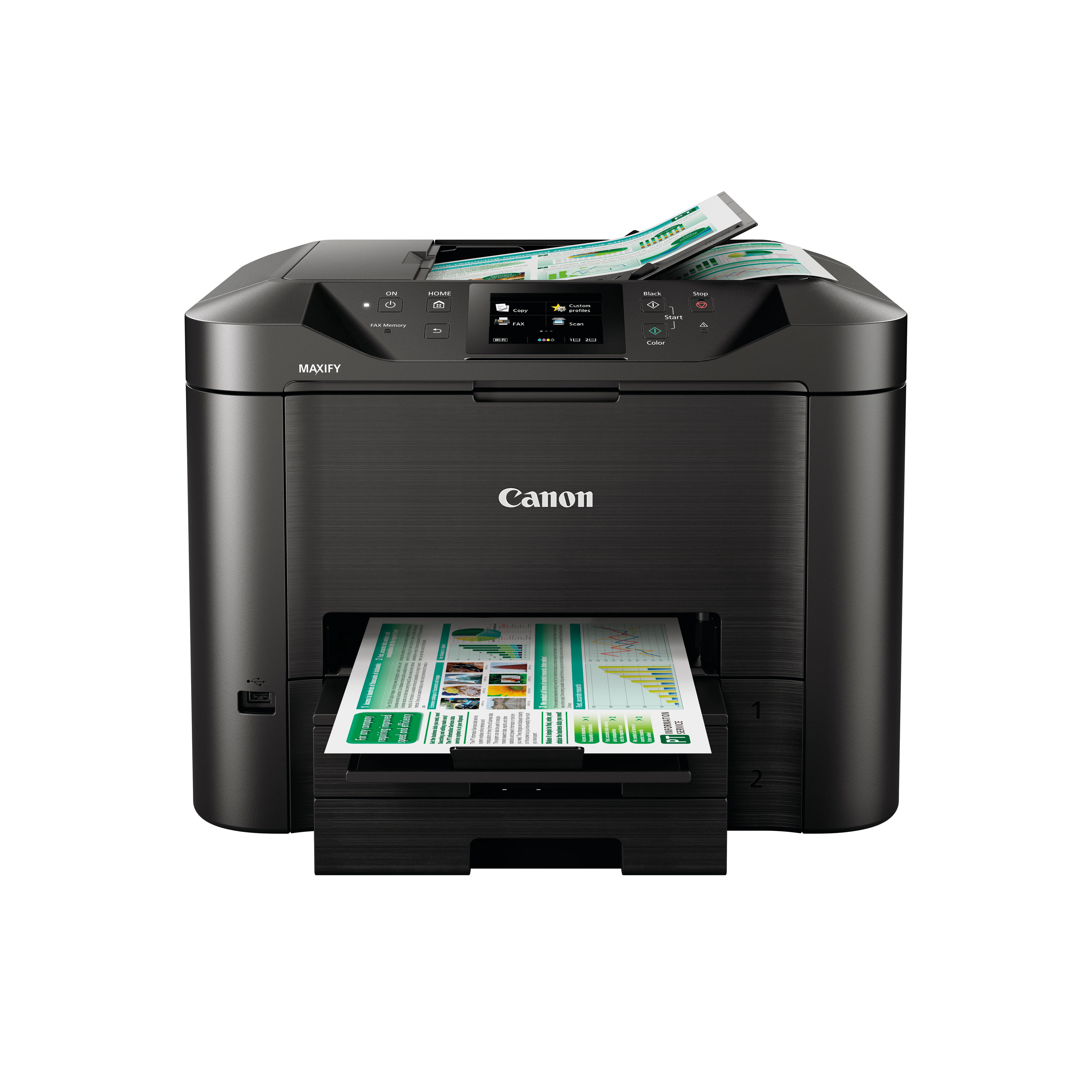
The Canon MAXIFY MB2750 is an all-in-one multifunction inkjet printer designed for small businesses, home offices and shared workspaces where dependable performance and multifunction capability are essential. Combining printing, scanning, copying and faxing in a single unit, the MB2750 provides efficient document handling and flexible connectivity for modern workplace demands.
This model blends reliable everyday performance with straightforward setup and operation. It offers crisp text and vibrant colour output while maintaining cost-effective running through efficient ink usage. With features such as automatic duplex printing and an automatic document feeder (ADF), this printer helps users complete tasks quickly and easily — from batch scans to high-quality document printing — all from one versatile device.
The MB2750 is ideal for users who need a robust multifunction solution that supports daily business workflows without unnecessary complexity.
Key Features and Benefits
All-in-one multifunction capability
Print, scan, copy and fax from one device, reducing the need for multiple machines and saving space.
Automatic duplex printing
The Canon MAXIFY MB2750 Supports double-sided printing, helping to reduce paper usage and promote efficient document handling.
Automatic document feeder (ADF)
50-sheet ADF enables batch scanning and copying of multiple pages without manual feeding.
Fast everyday performance
Reliable print speeds help keep workflows moving for both monochrome and colour documents.
Sharp output quality
Up to 600 x 1200 dpi maximum print resolution delivers clear text and vibrant colour graphics for business documents and presentations.
Flexible connectivity
Supports Wi-Fi, USB and mobile printing via Canon PRINT app, AirPrint and other platforms, making it easy to print from laptops, tablets and smartphones.
User-friendly operation
Built-in intuitive control panel simplifies setup and navigation, with clear menus for core functions.
Instructions for Use
1. Unboxing and positioning
Remove the printer from all packaging and protective tape. Place the unit on a stable, level surface close to a power outlet and network point if necessary.
2. Loading paper
Open the paper tray and adjust the guides to fit your paper size. Load plain A4 paper or other compatible media, then close the tray securely.
3. Connecting to power and network
Plug in the power cable and switch the printer on. Connect to your Wi-Fi network using the control panel’s setup menu or use USB for direct connection to a computer.
4. Installing drivers and software
Visit the official Canon UK support website and download the latest drivers and software for your operating system. Follow the on-screen instructions to complete installation.
5. Using the touchscreen and menus
Navigate the printer’s menus via the control panel to choose print, scan, copy or fax functions. Use intuitive prompts to adjust settings for each task.
6. Performing tasks
From a linked computer or mobile device, select the MB2750 when printing. Use Canon’s scanning software or the control panel to initiate scans or copies, and send faxes directly from the touchscreen.
Comparison Table
Comparison between the Canon MAXIFY MB2750 and the Canon MAXIFY MB2150
| Feature | Canon MAXIFY MB2750 | Canon MAXIFY MB2150 |
|---|---|---|
| Functions | Print, scan, copy, fax | Print, scan, copy, fax |
| Print technology | Colour inkjet | Colour inkjet |
| Print speed (mono) | Around 19 ppm† | Up to 19 ppm† |
| Print speed (colour) | Around 13 ppm† | Up to 13 ppm† |
| Automatic duplex | Yes | Yes |
| ADF capacity | 50 sheets | 50 sheets |
| Connectivity | Wi-Fi, USB | Wi-Fi, USB |
| Mobile printing | Supported | Supported |
| Paper capacity | ~250 sheets | ~250 sheets |
| Recommended use | Small business, home office | Small business, home office |
† Performance varies by media type and settings.
Specification Sheet
Print technology
Colour inkjet printing with integrated MFC capability
Functions
Print, scan, copy, fax
Print speed (monochrome)
Approximately 19 images per minute
Print speed (colour)
Approximately 13 images per minute
Maximum print resolution
Up to 600 x 1200 dpi
Automatic duplex printing
Yes
Automatic document feeder (ADF)
50 sheets
Scanner type
Flatbed with ADF
Optical scan resolution
Up to 1200 x 1200 dpi
Connectivity
Wi-Fi, USB 2.0
Mobile print support
Apple AirPrint, Mopria, Canon PRINT app
Paper handling
Approx. 250-sheet front tray
Supported paper sizes
A4, A5, B5, envelopes and additional supported media
Fax modem speed
33.6 Kbps
Display and controls
Intuitive control panel with built-in menus
Dimensions (W × D × H)
Approximately comparable to compact MFC inkjets
Weight
Approximate mid-range MFC weight
Monthly duty cycle
Designed for moderate daily business use
Frequently Asked Questions
Is the Canon MAXIFY MB2750 suitable for business use
Yes, it is designed for small and home business environments where regular printing, scanning, copying and faxing are required.
Does it support automatic double-sided printing
Yes, it supports duplex printing to help save paper.
Can I print from my phone or tablet
Yes, mobile printing is supported via Canon PRINT app, AirPrint and other compatible platforms.
Does it include a document feeder
Yes, it includes a 50-sheet automatic document feeder for batch scanning and copying.
What ink cartridges does it use
It uses individual Canon ink cartridges for black, cyan, magenta and yellow (sold separately).
Authoritative External Links
Official Canon UK support and product information
https://www.canon.co.uk/support
Canon UK MAXIFY MB2750 product page overview
https://www.canon.co.uk/store
Independent UK printer reviews and buying advice
https://www.which.co.uk/reviews/printers
Summary and Conclusion
The Canon MAXIFY MB2750 multifunction inkjet printer delivers a comprehensive all-in-one solution for small offices and home workspaces. With reliable print quality, multifunction versatility and flexible connectivity options, it supports efficient document production and handling. Features such as automatic duplex printing and an automatic document feeder enhance productivity, while mobile printing support ensures modern workflow convenience. Overall, the MB2750 is a cost-effective and practical choice for everyday business document management.

Canon Infographic
There are no reviews yet.