





Description
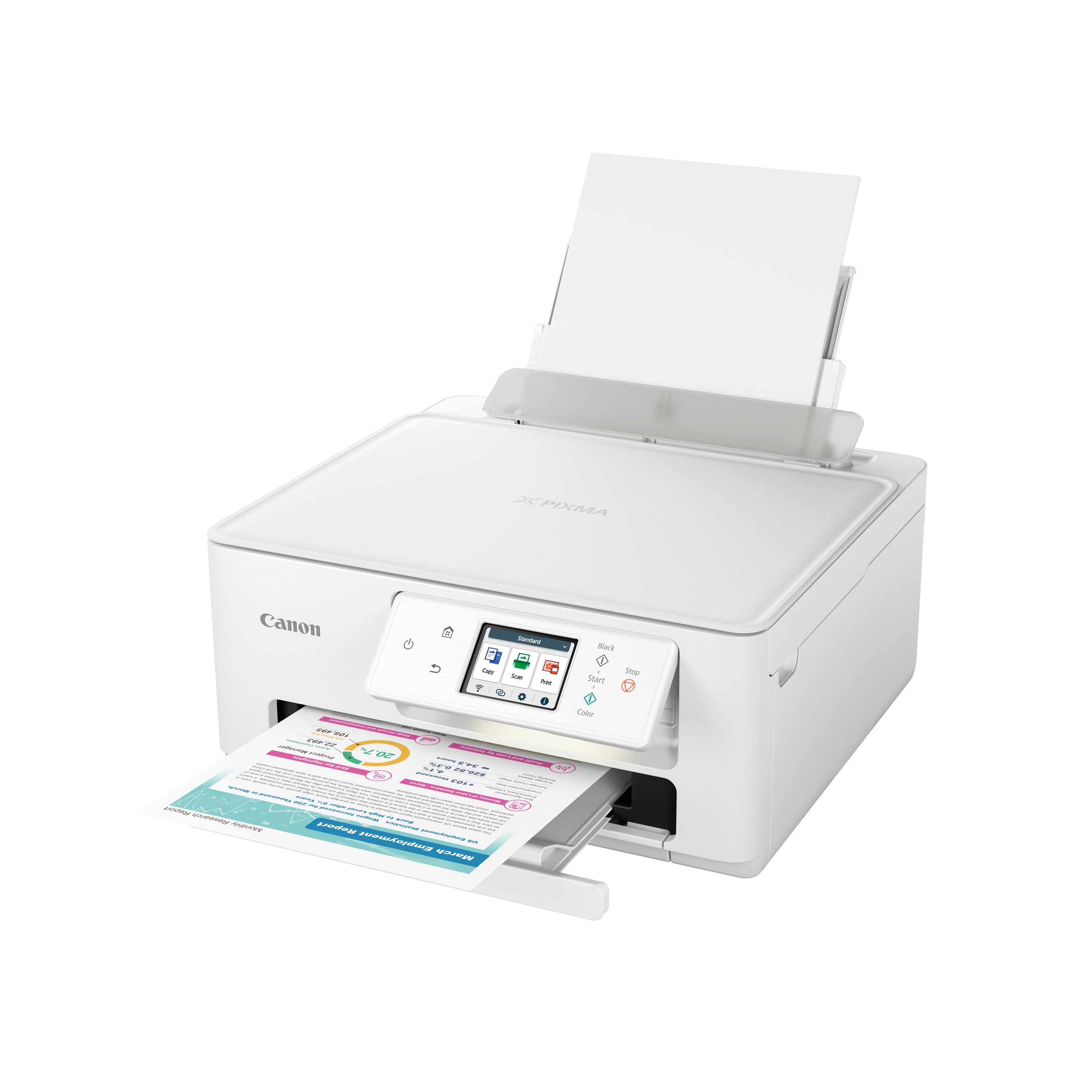
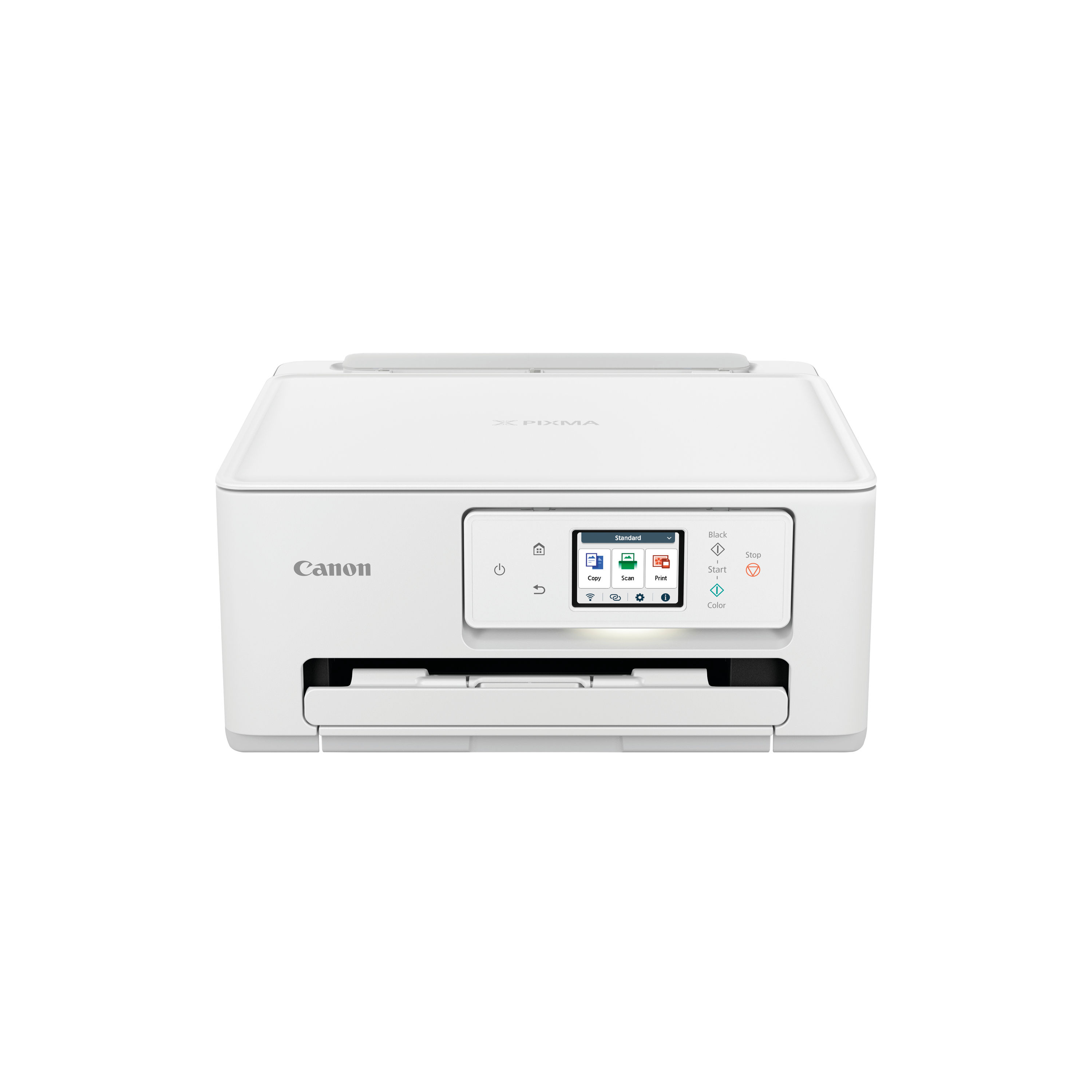
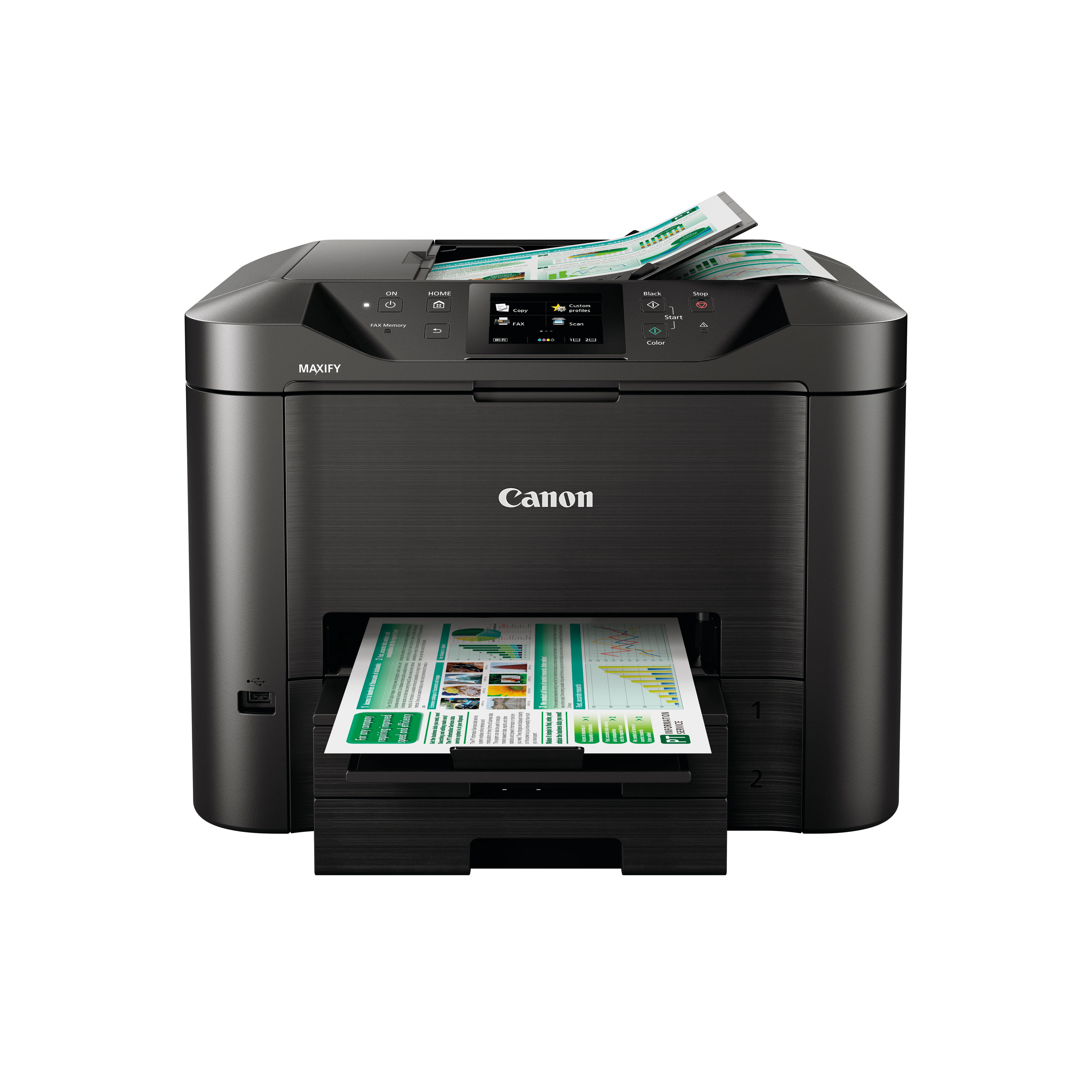
The Canon PIXMA TS7650i MF 3-in-1 printer is designed for modern home offices and hybrid working environments where compact design and multifunction capability are essential. Offering print, scan and copy in one streamlined device, it provides dependable performance for everyday documents, reports, schoolwork and light creative tasks.
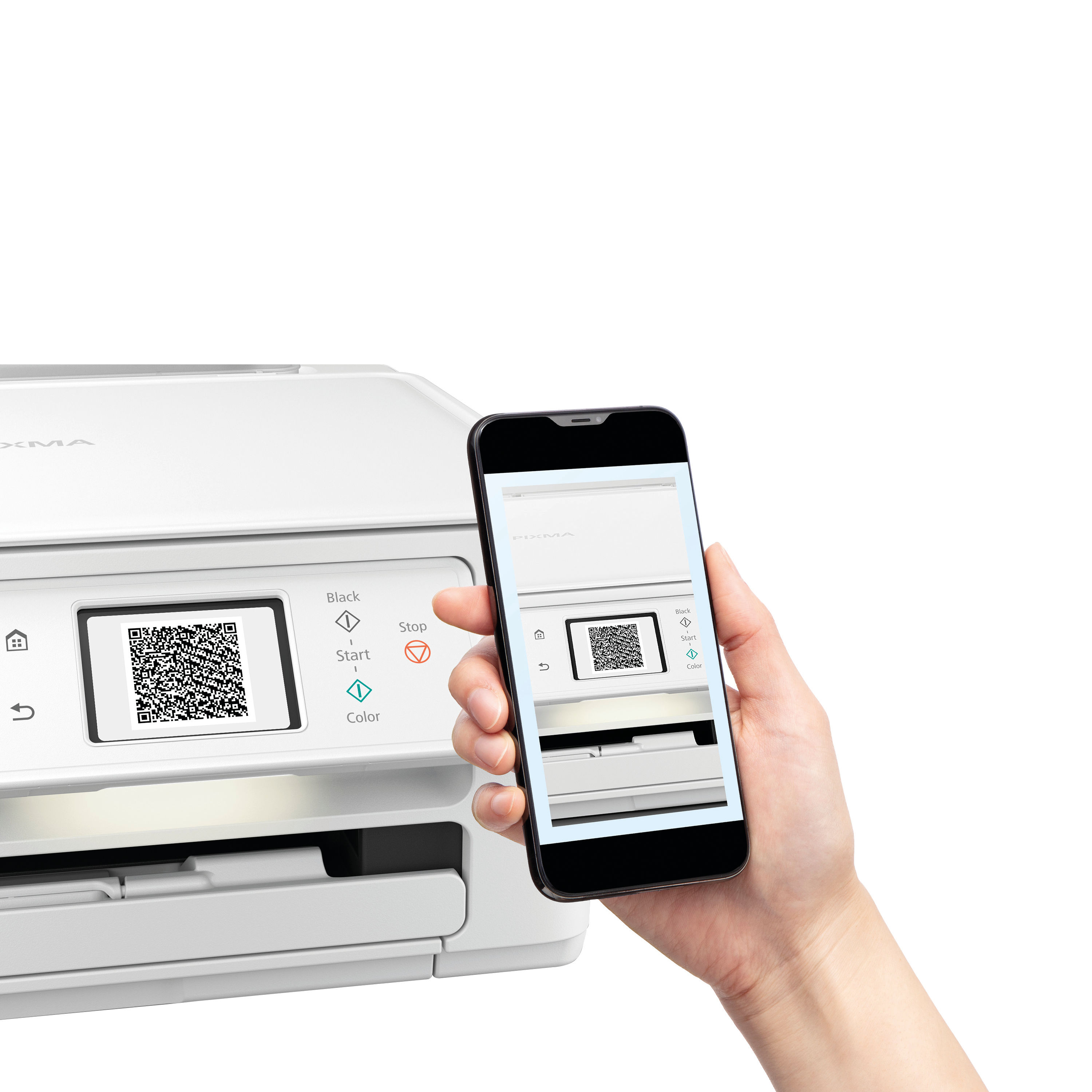
Its wireless connectivity enables seamless printing from laptops, tablets and smartphones, making it well suited to shared workspaces. With automatic duplex printing and quality inkjet output, the TS7650i balances efficiency and professional presentation.
Professional Workflow
-
Connect the printer to a secure Wi-Fi network.
-
Install Canon drivers or use the Canon PRINT app.
-
Print contracts, reports or photos directly from desktop or cloud storage.
-
Scan documents to PDF for email or archiving.
-
Copy physical documents using the flatbed scanner.
Features and Benefits
-
3-in-1 functionality – Reduces need for multiple devices
-
Wireless printing – Supports multi-device environments
-
Automatic duplex – Saves paper and reduces costs
-
Compact design – Ideal for limited desk space
-
High-quality inkjet output – Clear text and vibrant colour
Instructions for Use
-
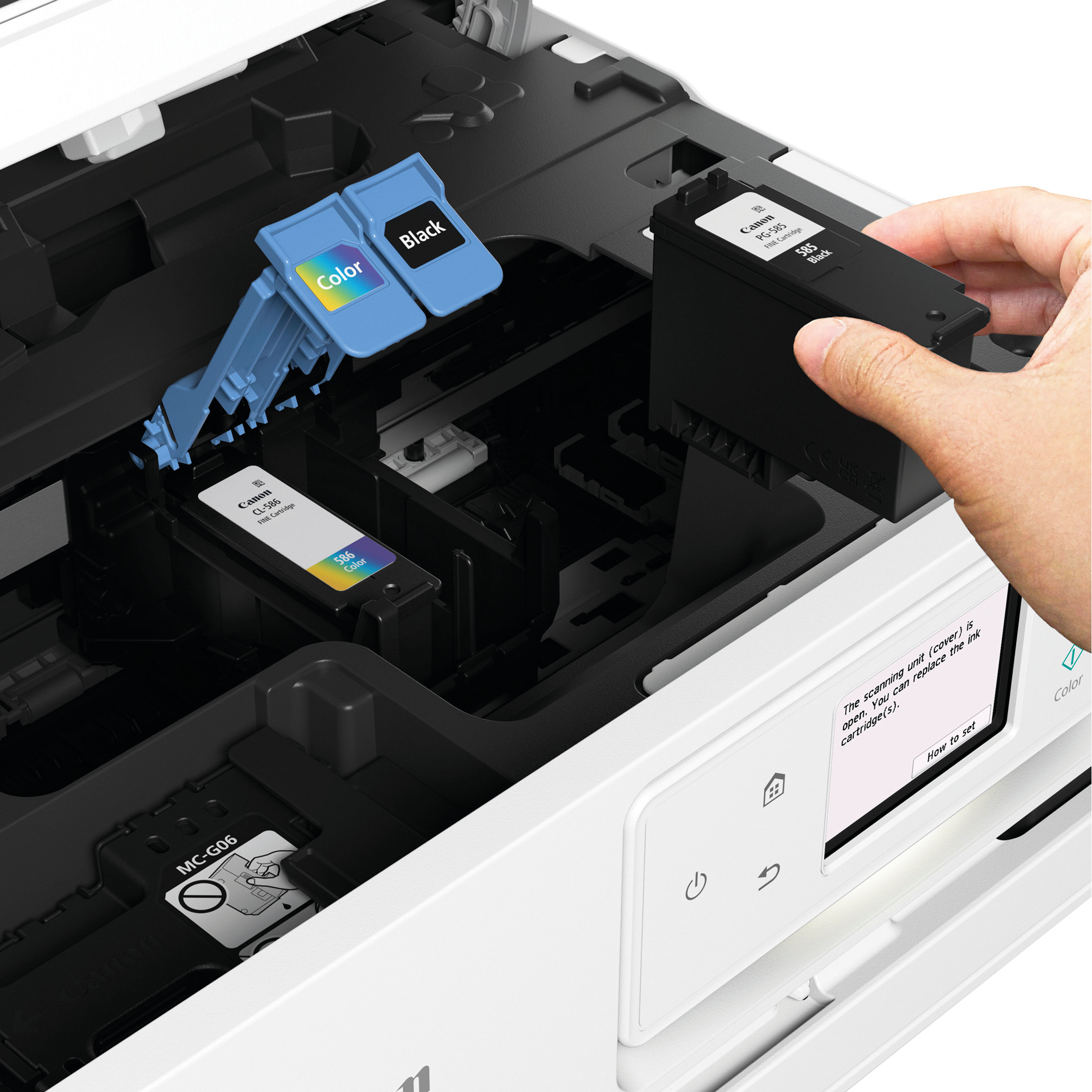
Install ink cartridges and load paper.
-
Connect to Wi-Fi via guided setup.
-
Install drivers or use mobile printing apps.
-
Select print, scan or copy via control panel.
-
Power down using main control when finished.
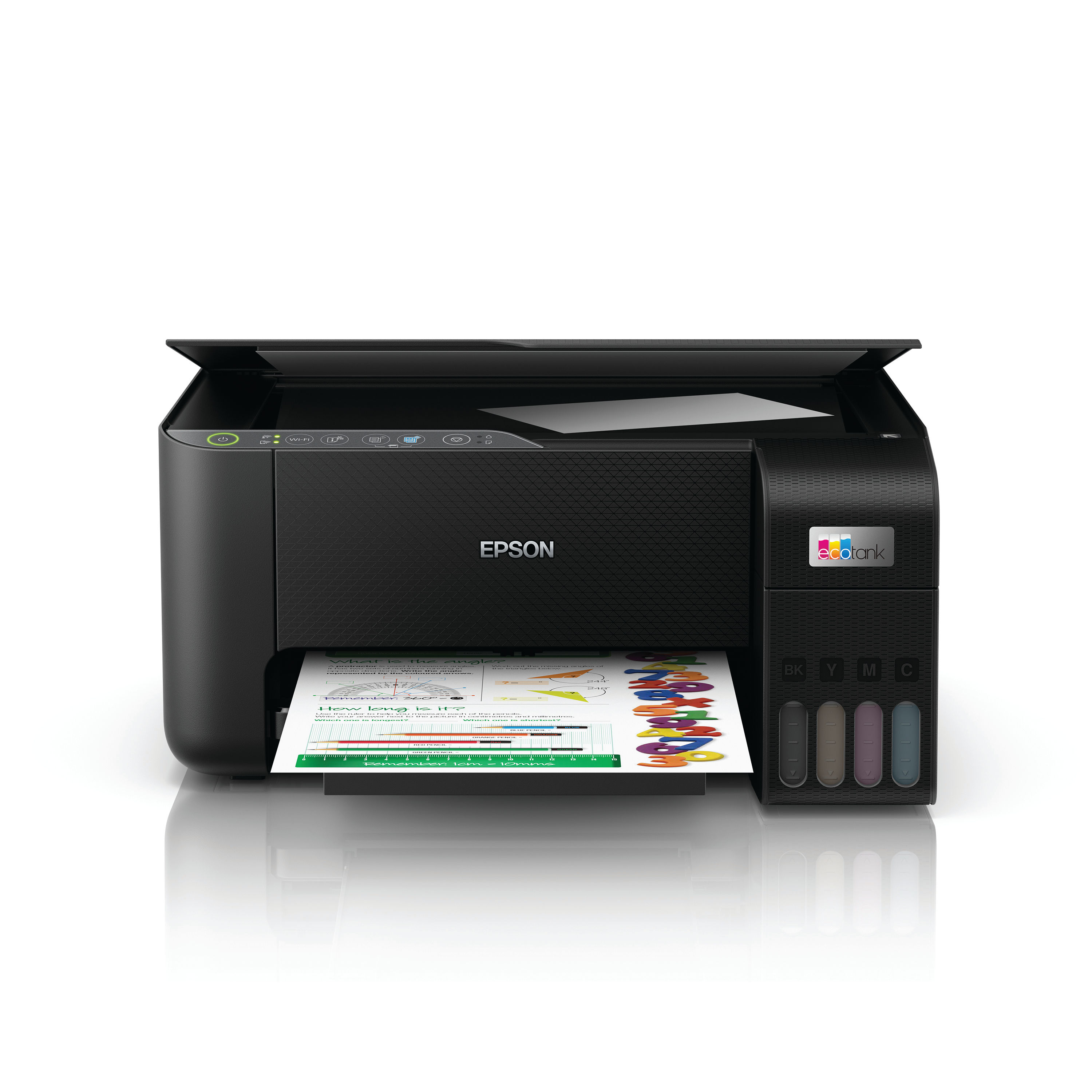
Comparison Table – Canon PIXMA TS7650i vs Epson EcoTank ET-2851
| Feature | Canon PIXMA TS7650i | Epson EcoTank ET-2851 |
|---|---|---|
| Ink System | Cartridge | Refillable ink tank |
| Functions | Print / Scan / Copy | Print / Scan / Copy |
| Duplex Printing | Automatic | Automatic |
| Running Cost | Standard cartridge cost | Very low cost per page |
| Ideal For | Home office | High-volume home use |
Technical Specification Sheet
Model: Canon PIXMA TS7650i
Type: Inkjet multifunction
Functions: Print, Scan, Copy
Connectivity: Wi-Fi, USB
Paper Size: Up to A4
Duplex: Automatic
Use: Home and small office
FAQs
Is this suitable for home working?
Yes, it is designed for hybrid and domestic office use.
Does it support wireless printing?
Yes, via Wi-Fi and Canon mobile apps.
Authoritative Links
Canon UK
https://www.canon.co.uk/printers/

Canon Infographic
There are no reviews yet.